Web Accessibility Checklist for React Engineers (WCAG)

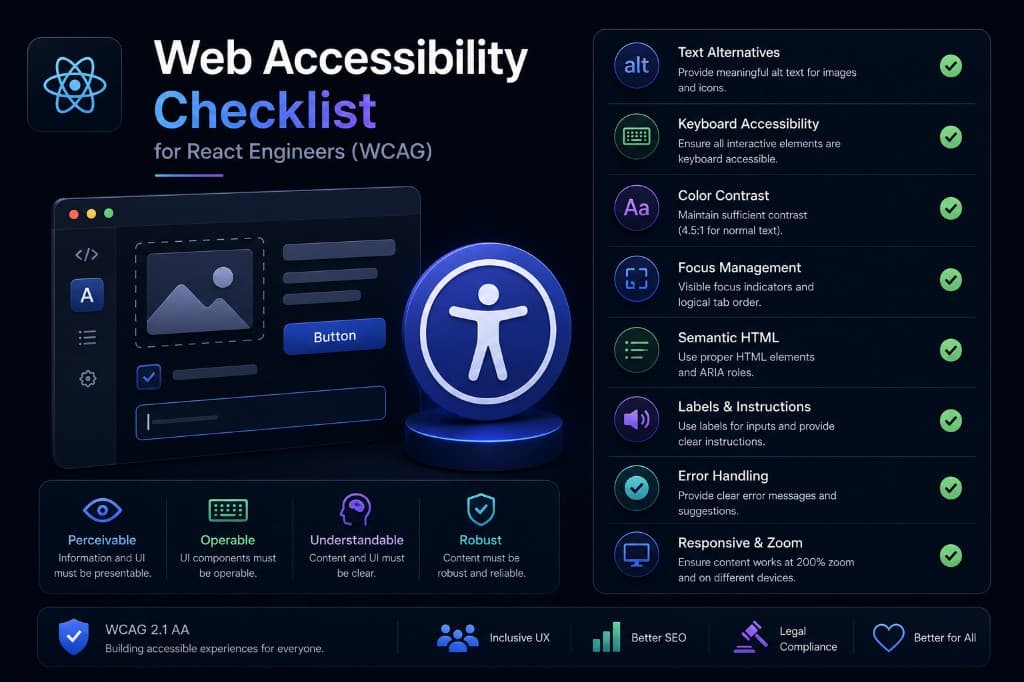
Concrete WCAG checks wired into PRs — focus management, contrast, and live regions without turning accessibility into bureaucracy.
Make a11y a PR habit
Engineers follow checklists that fit in a review, not thirty-page PDFs. We keep a short set of must-pass checks for interactive UI: keyboard reachability, visible focus, name/role/value for controls, and contrast on text and essential icons.
Automation catches regressions; humans still verify flows with a screen reader on non-trivial widgets.
Wire these checks into the component PR template and reject merges that introduce inaccessible custom controls without a documented exception. Over a quarter, that habit removes entire classes of remediation tickets.
Focus management in real apps
Modals, drawers, and route changes must move focus intentionally and restore it on close. Trapping focus incorrectly is as bad as not managing it at all.
Skip links and landmark structure help power users navigate dense product UIs without tabbing through the entire shell.
Wire these checks into the component PR template and reject merges that introduce inaccessible custom controls without a documented exception. Over a quarter, that habit removes entire classes of remediation tickets.
Live regions and dynamic content
Toasts, inline validation, and async results need polite or assertive live regions depending on urgency. Silent updates leave assistive tech users guessing.
Prefer clear text updates over colour-only state. Colour can reinforce meaning; it should not be the only signal.
Wire these checks into the component PR template and reject merges that introduce inaccessible custom controls without a documented exception. Over a quarter, that habit removes entire classes of remediation tickets.
Keep the checklist inside the PR
Engineers follow a11y checks that fit in review: keyboard reachability, visible focus, name/role/value, and contrast. Automate regressions; still verify complex widgets with a screen reader.
Accessibility that ships with the feature beats remediation projects after launch.
Wire these checks into the component PR template and reject merges that introduce inaccessible custom controls without a documented exception. Over a quarter, that habit removes entire classes of remediation tickets.
Manage focus in real product shells
Modals, drawers, and route changes must move focus intentionally and restore it on close. Trapping focus incorrectly is as bad as ignoring it.
Skip links and landmarks help power users navigate dense product UIs without tabbing through the entire shell.
Wire these checks into the component PR template and reject merges that introduce inaccessible custom controls without a documented exception. Over a quarter, that habit removes entire classes of remediation tickets.
Announce dynamic results
Toasts, inline validation, and async results need polite or assertive live regions. Silent updates leave assistive-tech users guessing.
Prefer text updates over colour-only state. Colour can reinforce meaning; it should not be the only signal.
Wire these checks into the component PR template and reject merges that introduce inaccessible custom controls without a documented exception. Over a quarter, that habit removes entire classes of remediation tickets.
“Sustainable delivery comes from making the important trade-offs explicit, measurable, and recoverable.”
Checklist
- Semantic structure and keyboard path reviewed
- Focus, error, loading, and empty states designed
- Contrast and accessible names tested
- Responsive and reduced-motion behavior specified
- Reusable component usage documented
- Real-device acceptance checks completed
Umar Khalid
Software Engineering Manager
Manages day-to-day software engineering across APIs, web UI, and AI features — focused on reliable, maintainable production systems clients can own.
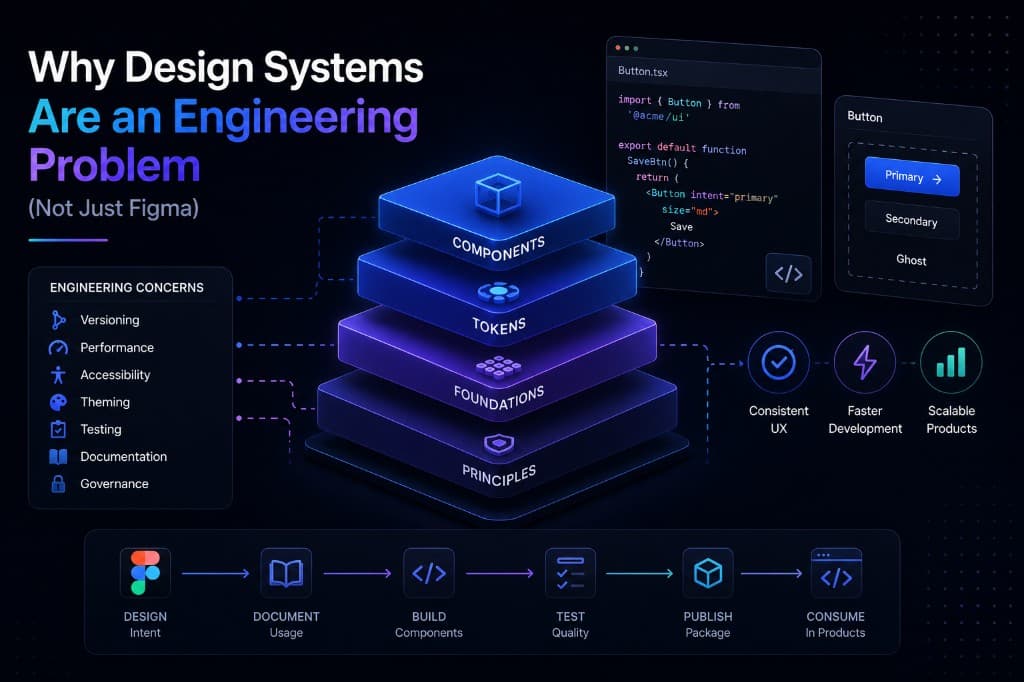
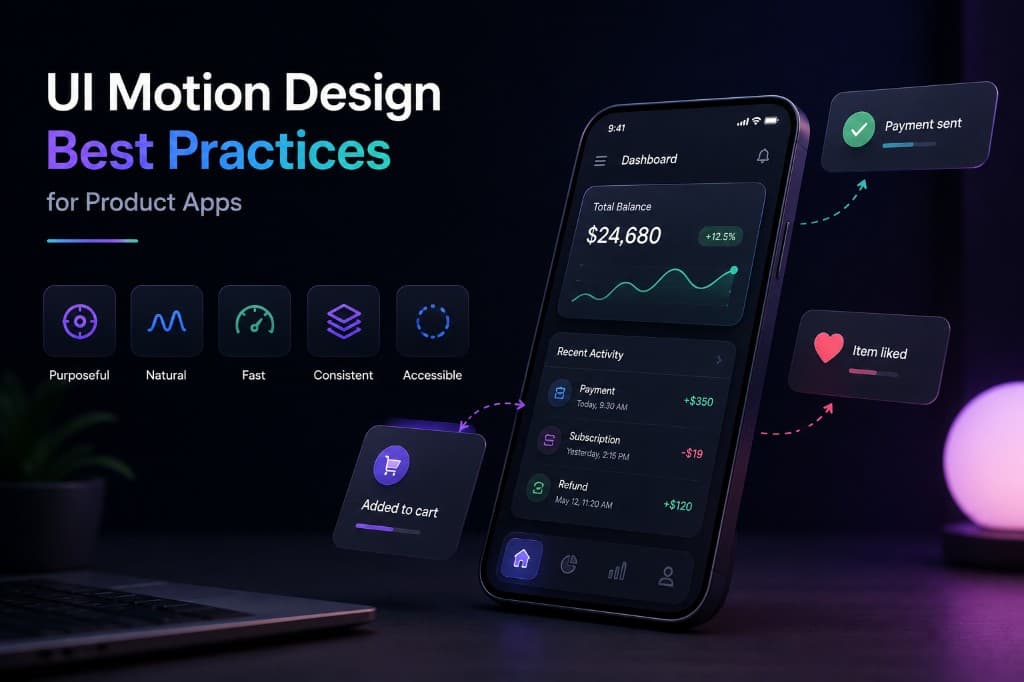
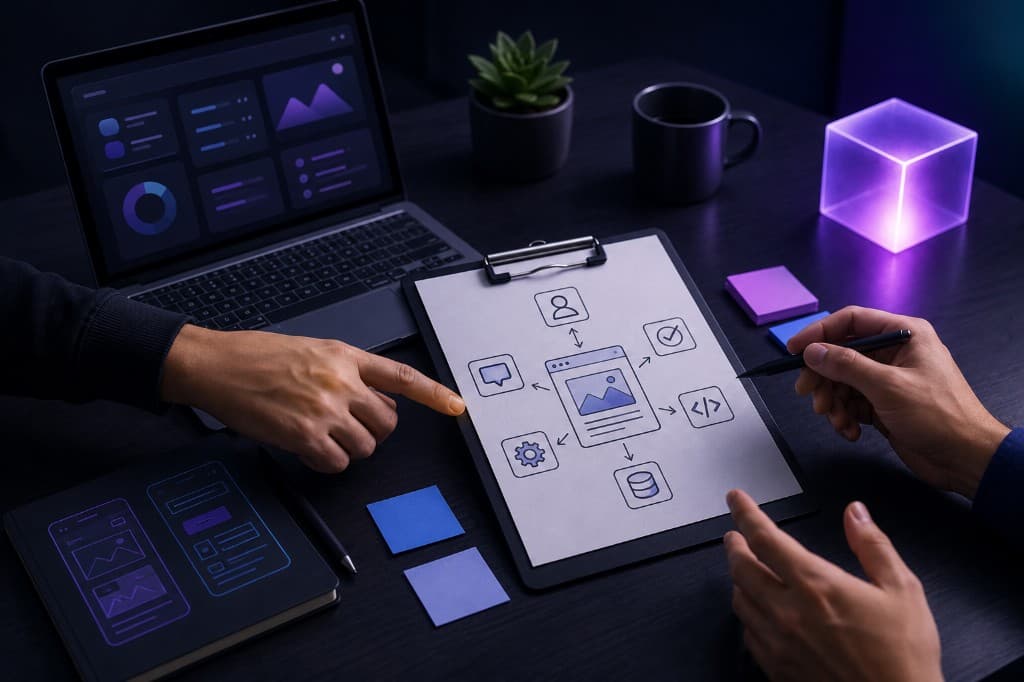
Let's build something
remarkable
Whether you need a web or mobile app with AI integrations, blockchain work, or a conversation about our AI products — tell us what you're building and we'll respond fast.
Blog questions
How we write, how often we publish, and how you can contribute or stay in the loop.
Blogs are written by Automative Tech’s engineering leadership — Muhammad Talha Zubair, Bilal Hassan, and Umar Khalid — based on production web, mobile, AI integration, and blockchain work.
We lead with custom web and mobile delivery with AI integrations — Next.js, React, React Native, Flutter, and LLM features. Selected posts also cover blockchain, AI products, and cloud when they support shipping real products.
A few deep pieces per month. We prioritize substance over cadence.
Yes with attribution and a link back to the original. For syndication, contact us for a simple agreement.
Occasionally, when the author has real production experience. Pitch a short outline via the contact form.
Follow the social links in the footer, or contact us to ask about engineering notes updates.